Education
College Digital Transformation in India: Website, Admissions, ERP, Data and Staff Adoption
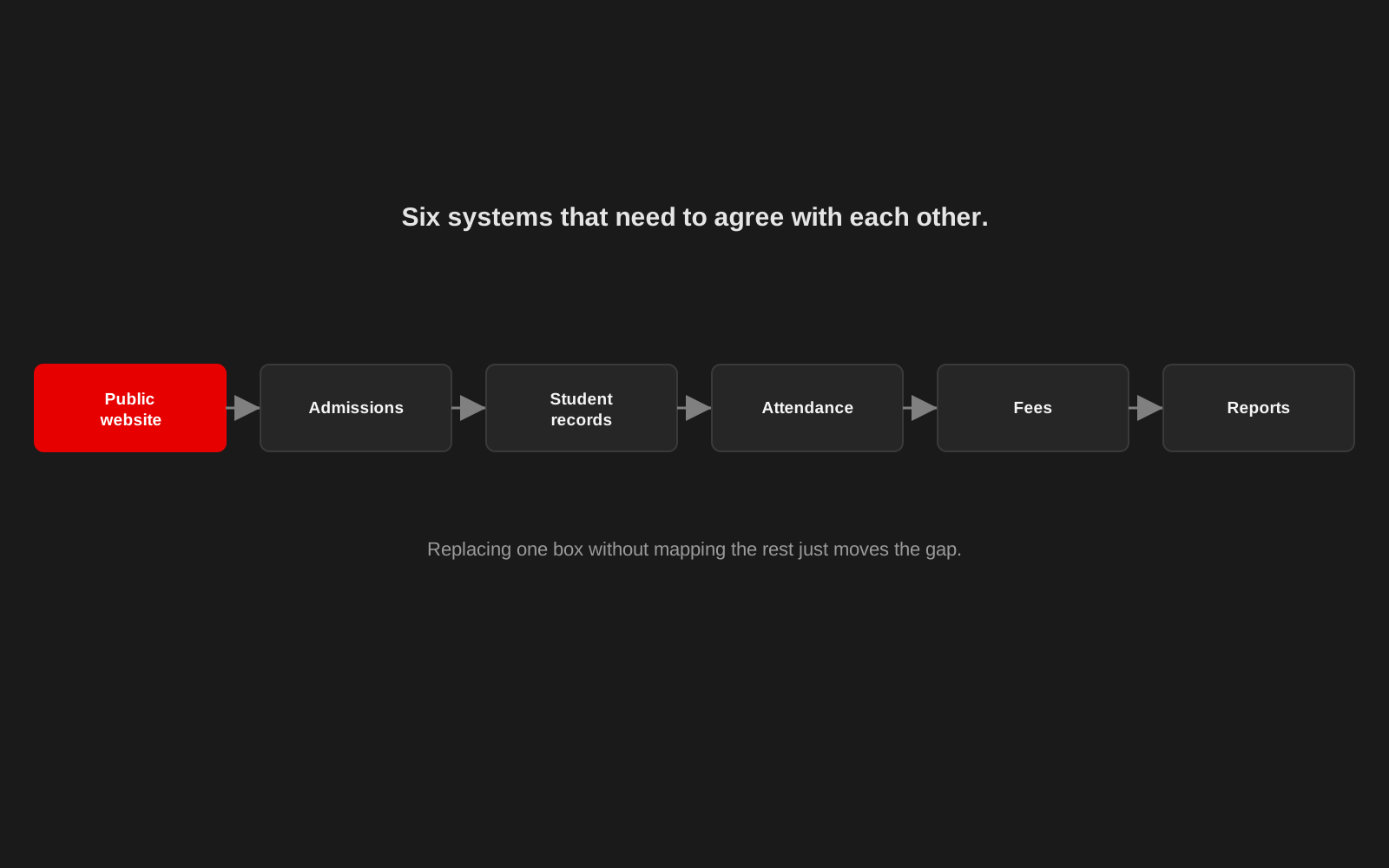
College digital transformation often starts with a purchase. A new website is commissioned. An ERP vendor is selected. Admissions move online. Attendance is digitised.
Then the institution discovers that the difficult part was not buying the software. The difficult part was making different systems, records and people work together. A college should think about digital transformation as an operating change, not a software installation.
Start by mapping the current journey
Before choosing an ERP or redesigning the website, map what happens today. Take admissions as an example. A prospective student may find the college online, read eligibility information, download or submit an application, provide documents, pay a fee, wait for confirmation, appear on a merit or selection list, complete enrolment, and enter the student record system. If these steps sit across separate spreadsheets, WhatsApp messages, paper files and software tools, replacing only one part may create new gaps. Map the whole service first.
The public website and internal systems should agree
A college website is often treated as a communications project while the ERP is treated as an administrative project. Students experience both as the same institution. Admission dates, fees, course details, notices and contact information should not contradict what staff see internally. It is the same discipline that underpins any website redesign, just extended to systems that never show up in a sitemap. Create clear ownership for information that appears in more than one place.
Do not digitise a bad process unchanged
If a paper process requires five signatures for no current reason, putting five digital approval buttons on the same process is not transformation. Ask what each step achieves, and remove duplication before automation. This is especially important for workflows such as admissions, student records, attendance, examination administration, certificates, fee tracking, staff leave, notices and reporting. Technology should reduce unnecessary work, not preserve it permanently.
Clean the data before migration
College records often grow over years across spreadsheets, desktop software and physical files. Common issues include duplicate student names, inconsistent roll numbers, different course names, missing phone numbers, date formats that change between files, old department codes, and records with no clear status. Do not dump everything into the new system and promise to clean it later. Define the master fields, identify duplicates, validate critical records and decide which historical data must actually migrate. Keep a secure copy of the original data before transformation.
Choose an ERP around actual institutional needs
A long feature list is not the same as fit. Ask which workflows must be supported on day one, which reports are mandatory, who needs access, whether permissions can match real roles, how the system exports data, whether it can integrate with the website or other tools, what happens if the vendor relationship ends, how backups are handled, what training is included, and how updates and support are managed. The ability to get your own data out of the system is especially important.
Staff adoption should be designed
A new system changes people's routines. Training should not happen once on launch day and then disappear. Use real tasks: ask administrative staff to complete admission workflows, ask faculty to record attendance, ask the person responsible for notices to publish one. Watch where they hesitate. Those moments are design evidence. Do not describe every difficulty as resistance. Sometimes the new workflow is genuinely worse.
Students should not need to understand the organisation chart
A student may not know which office owns a process. The digital experience should guide them based on the task: apply for admission, download syllabus, check notice, pay fee, request certificate, find exam information, contact department. This is a service design problem as much as an interface problem.
Reporting should come from shared definitions
Different departments may calculate the same number differently. Agree on definitions for important institutional data such as enrolment, attendance, completion or department totals, then build reports from consistent sources. A dashboard is useful when it reduces reconciliation work, not when it gives everyone another place to copy numbers into.
Plan for accreditation and public information
Indian colleges regularly need to publish and maintain institutional information for students, regulators and accreditation processes. The exact requirements can change, so current NAAC, UGC, university and statutory requirements should be checked against official sources at the time of implementation. From a system perspective, the useful principle is to store important institutional information in a structure that is easy to update, verify and publish. Do not bury compliance-related information inside a one-off page that nobody owns.
Start small enough to learn
A college does not need to replace every system in one launch. A sensible sequence may be to map processes, clean core data, fix the public website and admissions information, implement one or two high-value internal workflows, train users, measure problems, then expand. The order will depend on the institution. The important part is to avoid treating the ERP as the strategy. Studio 1947's own work with the Department of Geography at Mirik College came from exactly this kind of grounded, one-institution-at-a-time collaboration, not a generic rollout.
College digital transformation works when staff and students feel less friction, not when the institution owns more software
Studio 1947 works across websites, data systems, product design, development and capacity building. We can help map the system before choosing what to build. See our Data, Design & Tech and Capacity Building work, or discuss your college's digital systems.