Data & Dashboards
When Spreadsheets Stop Working: How Growing Teams Should Plan a Proper Data System
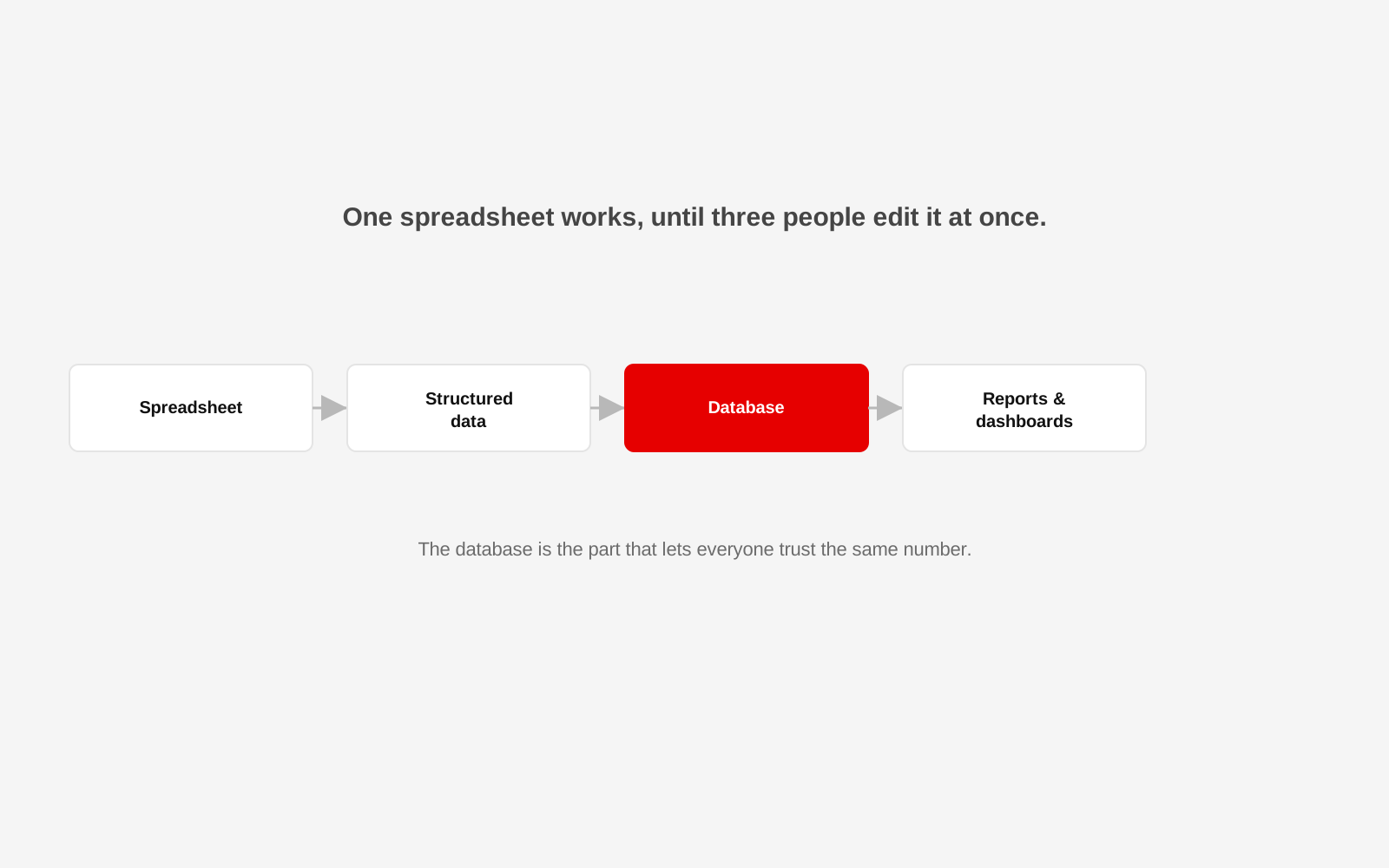
A spreadsheet is a genuinely good tool. It is also, almost always, the first thing a growing team outgrows without noticing.
Nobody decides one day to replace it. Instead, a second tab gets added, then a third file that a colleague started because the first one was slow, then a WhatsApp message asking which version is current. The organisation has already outgrown the tool. It just has not admitted it yet.
The signs are usually the same
More than one person edits the same file and occasionally overwrites each other's work. Formulas break silently when someone inserts a row in the wrong place. Two people report different totals for the same period because they are working from different copies. Someone becomes the unofficial keeper of the "real" file, and everything slows down when they are away. None of these are spreadsheet failures exactly. They are signs the job has changed shape.
A spreadsheet answers "what is in this file." A database answers "what is true"
The real shift is not about software preference. A spreadsheet stores whatever was typed into it. A database can enforce rules: a date has to be a real date, a customer ID has to exist before an order can reference it, two records cannot claim the same unique ID. That structure is what lets several people trust the same number at the same time, rather than reconciling five versions before a meeting.
Start by mapping what actually needs to be tracked
Before choosing any tool, list the real entities in the business: customers, orders, products, staff, locations, whatever applies. Note how they relate to each other, what has to stay consistent, and who needs to see or change each piece. This is design work, not a technology decision, and it matters more than which platform gets chosen afterwards.
Keep the transition boring on purpose
A full replacement of every spreadsheet at once is a common way to lose months to migration problems nobody predicted. A calmer path moves one workflow at a time, starting with whichever spreadsheet causes the most pain today, while keeping the old file as a working reference until the new system has proven itself.
Clean data before it moves, not after
Spreadsheets accumulate small inconsistencies for years: a product typed three different ways, a customer entered twice, a date format that changes halfway down the sheet. A database will happily enforce these problems forever once they are inside it. Cleaning is unglamorous work, but it is far cheaper before migration than after.
Decide who owns the system, not just who uses it
A spreadsheet often has no real owner, which is part of how it drifts. A proper data system needs someone responsible for its accuracy, its access rules and its backups, even if that person is not technical themselves. Ownership is a role, not a job title.
Reports should come from the system, not be rebuilt by hand
If a monthly report still means someone copying numbers out of the database into another spreadsheet to make a chart, the underlying system has not actually removed the manual work, it has only moved it downstream. A useful system produces the numbers people need directly, in a form they can read without extra assembly.
Not every team needs the same level of system
A five-person office and an organisation running several programmes across multiple locations will land on very different answers. Build what the current complexity of the work actually requires, informed by real projects like Studio 1947's Radha Madhav pharmacy dashboard, where years of paper and spreadsheet records became one system built specifically around how that business actually runs.
The database is the part that lets everyone trust the same number
Studio 1947 works across data, design and technology to help growing teams move from scattered spreadsheets to systems people can actually rely on. See our Data, Design & Tech work, or talk to us about your data.