Data & Dashboards
Pharmacy Inventory Management Software: What Small Pharmacies & Distributors Actually Need
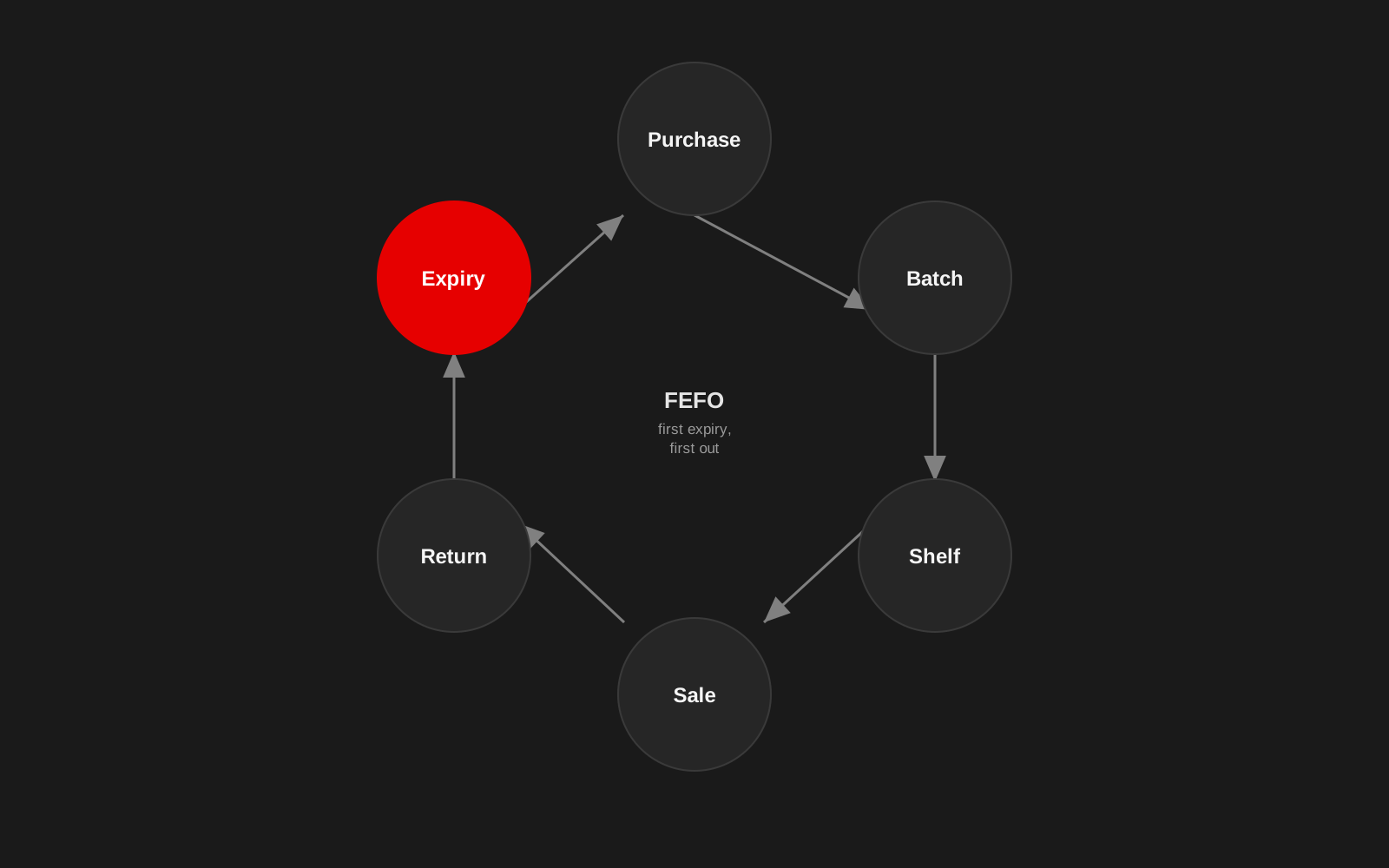
A pharmacy can have plenty of stock and still have an inventory problem. The problem may show up as expired products, items that appear available but cannot be found, repeated emergency purchases, slow billing or cash tied up in stock that does not move.
Software helps only when it reflects how the pharmacy actually works. For a small pharmacy or distributor, the useful question is not, "Which ERP has the most features?" It is this: which parts of inventory, billing and purchasing are currently difficult to see or control?
Start with batch and expiry, not only quantity
A general retail inventory system may tell you that 40 units of a product are in stock. A pharmacy often needs more: batch number, expiry date, purchase rate, sale rate, supplier, quantity by batch, return status, tax details where required, and storage or location information. Two boxes of the same medicine are not operationally identical if one expires next month and the other next year. That is why batch-level inventory matters.
FEFO should be visible in the workflow
First Expiry, First Out means stock with the earliest expiry should generally be sold or moved first, subject to the pharmacy's approved operational rules. The software should help staff see which batch needs attention: near-expiry alerts, batch sorting by expiry, blocked sale of expired stock, return-to-supplier tracking, reports on expiry loss, and visibility of slow-moving batches. An alert that appears after the product expires is not an inventory control system. It is a post-mortem.
Billing needs to stay fast
A pharmacy POS is used while a customer is waiting. That changes the design requirement: search should be fast, common products easy to find, barcode workflows reliable where used, and batch selection should not turn every sale into a long form. The system also needs to handle ordinary interruptions such as network problems. If billing stops whenever the internet drops, the software has become a business risk.
This is not a hypothetical concern. Our own Radha Madhav pharmacy dashboard was built around exactly this pressure. The counter now bills in under 100 milliseconds and cashiers handle over 60 line items a minute, with near-expiry write-offs cut to under 0.5% of product cost through the FEFO logic behind it.
Offline-first may matter more than another feature
For many small businesses, reliability is more valuable than a long feature list. An offline-capable billing workflow can allow transactions to continue locally and sync when connectivity returns. The exact architecture depends on the business, but the principle is simple: critical operations should fail gracefully. Do not assume stable broadband simply because the dashboard is cloud-based.
Purchasing should respond to actual movement
Reorder levels should not be based only on someone's memory. Useful purchasing information includes current stock, average sales velocity, supplier lead time, outstanding purchase orders, minimum stock level, seasonal changes, dead stock and near-expiry stock. A simple reorder recommendation can be more valuable than a complex forecasting model if the source data is reliable.
Do not hide dead stock inside total inventory value
A large inventory value can look healthy while masking slow-moving products. Separate fast-moving, normal-moving, slow-moving, non-moving and near-expiry items. That gives the owner a better view of where working capital is sitting.
The dashboard should answer a small set of operational questions
A useful owner or manager dashboard may answer: what sold today, what is running low, what is nearing expiry, which products are not moving, how much was purchased this period, what is the gross sales trend, and which suppliers have pending orders or returns. A dashboard should reduce uncertainty. It should not reproduce every table from the ERP in chart form.
Keep permissions simple and clear
Different people need different access. A cashier may need billing and returns. A store manager may need stock adjustments. An owner may need reports and purchasing visibility. An administrator may need user management. Do not give every account full access because role setup feels inconvenient. Simple permissions protect both the business and staff.
Migration is usually the difficult part
A new system often starts with old data: Excel sheets, legacy software exports, supplier lists, product masters and years of inconsistent naming. Before migration, identify duplicate products, standardise units, validate tax and product fields, decide which historical data really needs to move, verify opening stock, test batches and expiry dates, and keep a rollback copy. A clean interface on top of dirty master data still produces a dirty system.
Staff adoption matters as much as the software
If a new ERP adds five steps to a task that used to take one, staff will find ways around it. Observe the current workflow before designing the new one. Train with real scenarios, give staff a way to report problems, and fix repeated friction rather than assuming people are "resistant to technology". Good operational software should make the correct process easier.
What should a small pharmacy look for?
At minimum: batch-level stock, expiry management, fast billing, purchase and supplier records, returns, role-based access, backups, reporting, offline resilience where needed, exportability of business data, and support and maintenance. The right system is not the one with the longest brochure. It is the one that makes important daily operations easier to see and harder to lose control of.
Inventory problems are usually workflow problems before they become software problems
Studio 1947 works across product design, dashboards, databases and software engineering to build systems around the way organisations actually operate. See our Data, Design & Tech work, or discuss your pharmacy workflow.